Live Transcription
Talk, and see your words half a second later. Nothing leaves the machine.
I wanted a transcript of my own speech that appeared while I was still talking, and I did not want the audio going to a cloud service to get it. So this runs entirely on my own machine. You press start, you talk, and the words land on a browser page about half a second later.
The interesting part is what happens to a sentence before it settles. Finished text is black. The working draft is grey with a blinking cursor, and it keeps rewriting itself as more words arrive. A real example from a test run:
I want to create a new project
I want to create a lot of things
I want to create a live trans-
I want to create a live transcriber using a local model, and later
  turn it into a new model
I want to create a live transcriber using a local model, and later
  turn it into a live translator.        <- committed
A sentence turns black once you pause for about 0.7 seconds. Every committed line is written to a timestamped session file straight away, so a crash, a closed tab or a three hour conversation can never lose the text. The page only holds the last 400 lines on screen. The file keeps everything.
It translates too
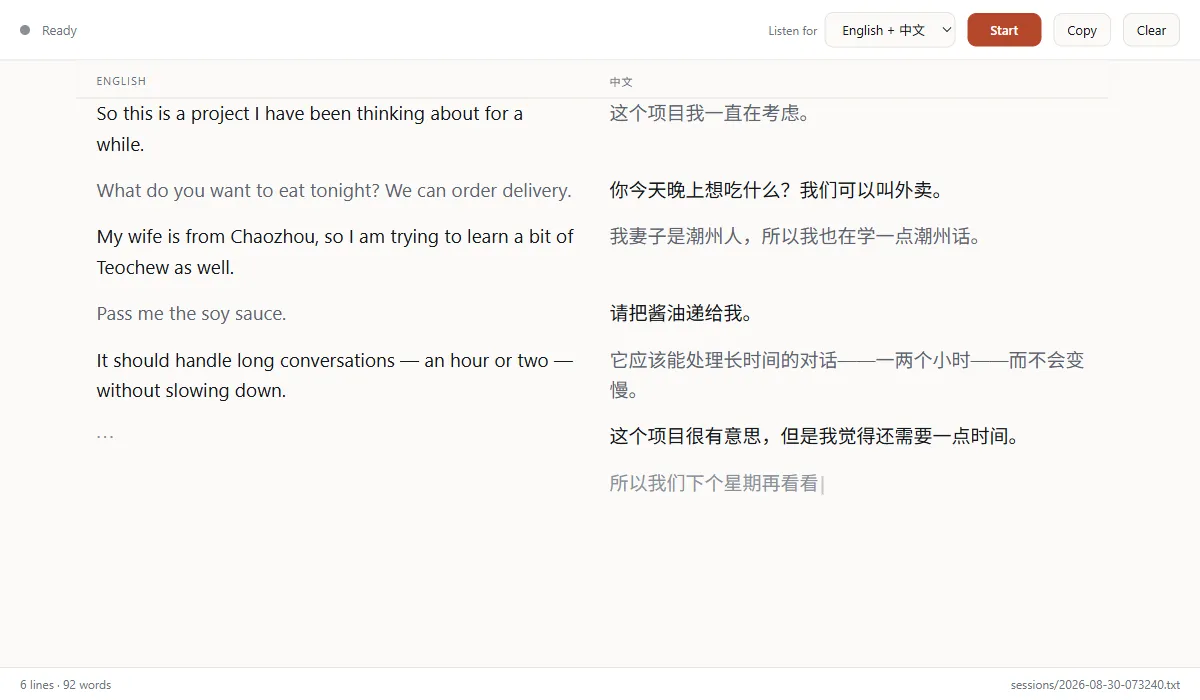
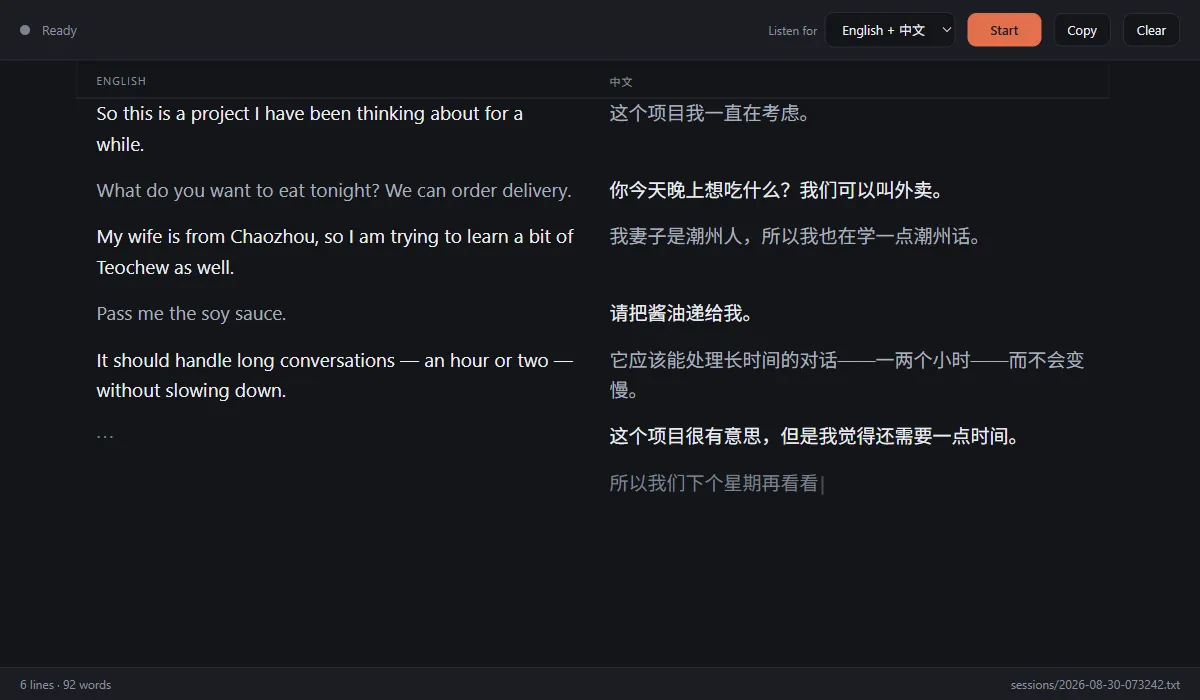
The second column is a live translation. English in, Chinese out, or the other way around, and it handles a conversation where both languages are being spoken at once. Translation arrives 300 to 500 ms after the line is already on screen, so it never holds up the transcript.
[07:26:53] EN  So this is a project I have been thinking about for a while.
[07:26:53] ZH> 这个项目我一直在考虑。
[07:27:01] ZH  你今天晚上想吃什么?我们可以叫外卖。
[07:27:02] EN> What do you want to eat tonight? We can order delivery.
> marks a machine translation. Copy gives you both
columns tab separated, so it pastes into a spreadsheet as an aligned
bilingual transcript.
Why Qwen and not a translation model
The obvious choice was NLLB-200, a model built for translation. I measured both. NLLB is faster, but its vocabulary is missing common Chinese characters. 酱, as in 酱油 (soy sauce), is not in it at all, and it truncates sentences. A general model with a good vocabulary beat the specialist, which was not the result I expected.
Numbers
Mouth to grey text
~560 ms
Pause to settled text
~1.0 s
Transcription
large-v3-turbo, faster-whisper
Translation
qwen3:8b via Ollama
Hardware tested
RTX 5060 Laptop, 8 GB
Audio uploaded
None
A full ten second clip transcribes in 263 ms, which is 39 times faster than real time. The Whisper pass is flat at about 220 ms no matter how long the buffer is. Both models together sit at roughly 6.8 GB of the 8 GB card, which works but leaves little spare.
Screens
Why there is no demo button
This page is a write-up rather than a live tool, and that is deliberate. The whole design depends on a Whisper model and a Qwen model sitting on a GPU next to you. Put it behind a web server and you have rebuilt exactly the thing I was trying to avoid: your voice going somewhere else. So it stays local, and this page shows you what it does.
If you want to run it, or you want something like it inside your own team, get in touch and I will send you the repo.